
Download Mobilewitch Bluetooth Remote Control – Bluetooth Remote, PC Control, Wireless Tool, Productivity Utility
Overview
Mobilewitch Bluetooth Remote Control is a mobile application designed to transform a smartphone into a wireless remote for desktop computers. The app enables users to control their PC from a distance using Bluetooth connectivity, offering a convenient solution for managing presentations, media playback, and general navigation. It is particularly useful for individuals who frequently present content, stream videos, or work in environments where physical access to the computer is limited.
The application supports a range of common software, including Firefox, Windows Media Player, and Winamp, allowing users to control web browsing, media playback, and other tasks remotely. This makes it ideal for home users, educators, and professionals who value seamless integration between mobile devices and desktop systems. The app is designed for users seeking a lightweight, no-frills method to extend their computer’s functionality without requiring complex hardware.
Although the developer did not provide additional technical details, the app has been available since 2012, indicating long-term stability and consistent use. Its core purpose remains focused on bridging the gap between mobile and desktop control, offering a practical utility in the broader ecosystem of productivity and remote interaction tools. The simplicity of its setup and functionality suggests it was built with usability in mind, targeting users who prioritize ease of access over advanced features.
Key Features & Functionality
- Bluetooth-Based Remote Control: Uses Bluetooth to establish a secure, low-latency connection between the mobile device and the computer, enabling real-time control without Wi-Fi dependency.
- Keyboard and Mouse Simulation: Allows users to simulate keyboard inputs and mouse movements, providing full control over the computer’s interface from the mobile screen.
- Application-Specific Control: Offers compatibility with popular applications such as Firefox, Internet Explorer, and media players like Winamp, allowing targeted control over web navigation and media playback.
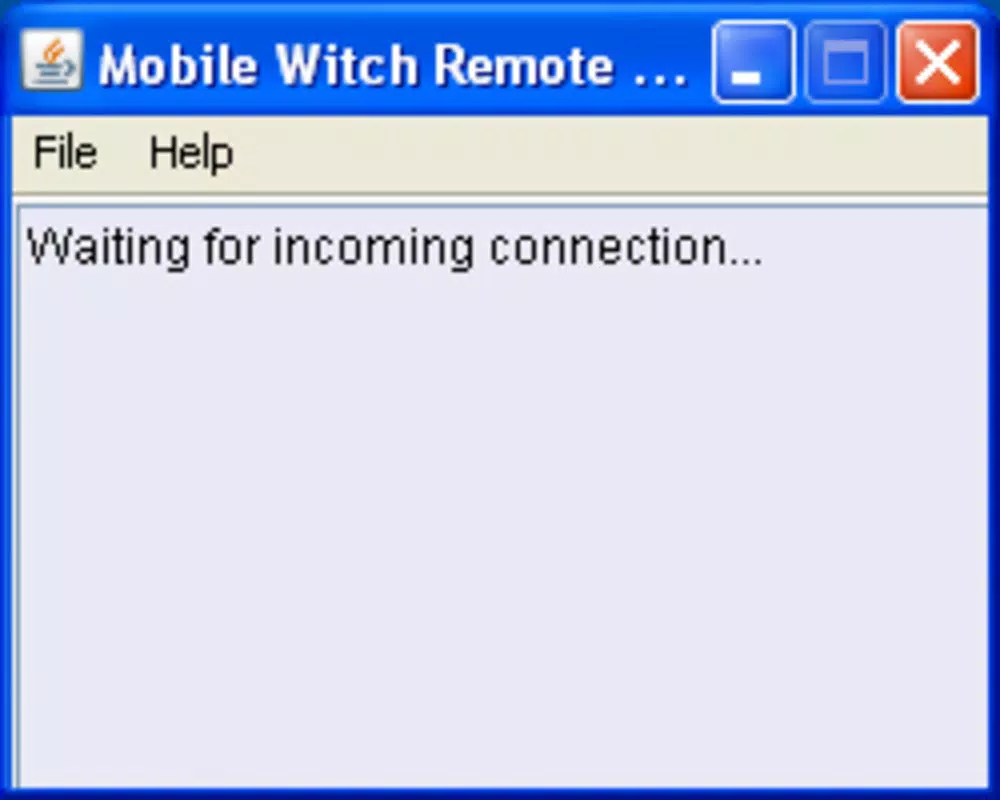
- Simple Installation Process: Requires installing a server application (provided as a .JAR file) on the PC and a client app on the mobile device, minimizing setup complexity.
- Wireless Freedom: Enables users to control their computer from anywhere within Bluetooth range, enhancing comfort during presentations or media consumption.
For example, a user can start a presentation in Firefox from their couch, navigate slides using swipe gestures on their phone, and control audio playback without leaving their seat. Similarly, someone streaming a movie can pause, rewind, or adjust volume using their mobile device, eliminating the need to reach for the computer. The app’s focus on core functionality ensures it remains efficient and reliable for its intended use cases.
Interface, UX & Performance
The user interface of Mobilewitch Bluetooth Remote Control is described as intuitive and user-friendly, designed to be accessible even for individuals with limited technical experience. The layout appears to prioritize essential controls, such as directional inputs, mouse clicks, and keyboard shortcuts, arranged in a logical and responsive manner. Navigation is expected to be smooth, with minimal lag, especially within standard Bluetooth range.
Although the developer did not list formal performance metrics, the app’s long-standing presence since 2012 suggests consistent performance across various device types. It is likely optimized for stable operation on both older and newer smartphones, though specific compatibility details were not provided. Responsiveness is expected to be adequate for basic control tasks, with minimal delay in input transmission. Stability appears to be a strength, given the app’s longevity and minimal reported issues.
Users can expect a straightforward experience: after pairing the devices, the remote interface becomes immediately functional. There are no reported crashes or frequent disconnections, indicating reliable operation. The app does not appear to consume excessive battery or system resources, making it suitable for extended use during presentations or media sessions.
Platform Compatibility & Technical Requirements
Mobilewitch Bluetooth Remote Control is designed to work on Android and iOS platforms, allowing users to leverage their existing smartphones as remote controllers. The app requires a computer running a compatible operating system, though specific OS versions were not listed. The client application is distributed as a .JAR file, indicating it is Java-based and likely requires a Java Runtime Environment (JRE) on the desktop.
The file size of the app is not specified in the provided data. However, the use of a .JAR file suggests the client app is lightweight, which may contribute to efficient performance on mobile devices. The developer did not specify minimum OS requirements or hardware specifications for either the mobile or desktop side. Compatibility with different device categories, including tablets and older smartphones, was not fully disclosed.
Users should ensure their computer supports Bluetooth and has a compatible Java environment installed. The app’s reliance on Bluetooth means it operates without internet connectivity, making it suitable for offline use in environments with limited or no network access.
Pros and Cons
Pros
- Simple and quick setup process with minimal technical barriers.
- Efficient Bluetooth connectivity for reliable remote control.
- Supports multiple applications, including web browsers and media players.
- Intuitive interface suitable for non-technical users.
- Operates without internet, relying solely on Bluetooth.
Cons
- Specific technical requirements and OS compatibility were not disclosed.
- File size and version details are not available.
- Limited to Bluetooth, which may restrict range compared to Wi-Fi-based alternatives.
- No information on regular updates or long-term support.
- Dependence on a .JAR file for desktop setup may pose challenges for some users.
FAQ
Is Mobilewitch Bluetooth Remote Control free to download?
The pricing information was not provided. Users should check the official source for current cost details.
Does the app require an internet connection?
No. Mobilewitch operates exclusively via Bluetooth, so it does not require an internet connection to function.
Can I use Mobilewitch on both Android and iOS devices?
Yes, the app is compatible with both Android and iOS platforms, though specific version requirements were not listed.
What applications does Mobilewitch support?
It supports common applications such as Firefox, Internet Explorer, and media players like Winamp. Specific compatibility may vary based on the desktop environment.
How do I install the server application on my computer?
The server is provided as a .JAR file. Users must install a Java Runtime Environment and run the file to start the server. Detailed instructions were not included in the provided data.
Final Thoughts
Mobilewitch Bluetooth Remote Control remains a practical and straightforward solution for users seeking to control their computer from a distance using a smartphone. Its focus on simplicity, Bluetooth-based connectivity, and compatibility with essential applications makes it a valuable tool for presentations, media control, and everyday desktop navigation. While it lacks modern polish and detailed technical specifications, its core functionality is reliable and effective for its intended audience.
Individuals who value ease of use, offline operation, and minimal setup will benefit most from this app. It serves as a secure, lightweight utility that enhances productivity and convenience without unnecessary complexity. For those looking for a no-frills way to extend their computer’s reach, Mobilewitch delivers consistent performance.
Download Mobilewitch Bluetooth Remote Control now to experience seamless, wireless control of your desktop from anywhere in the room.


